Web AI voice & chat consultation

cxVisor

One line of script, and your site talks to customers.

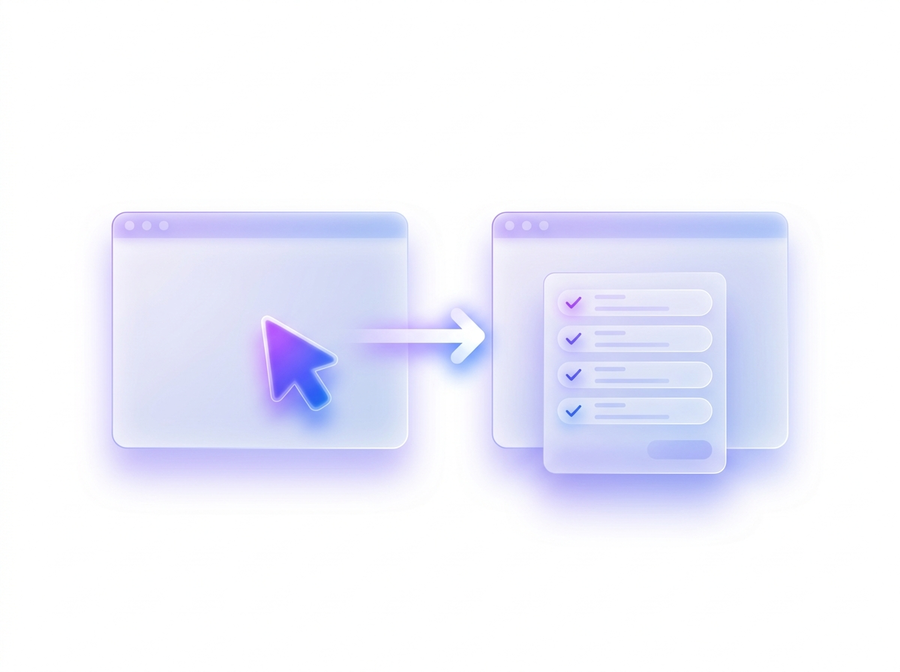
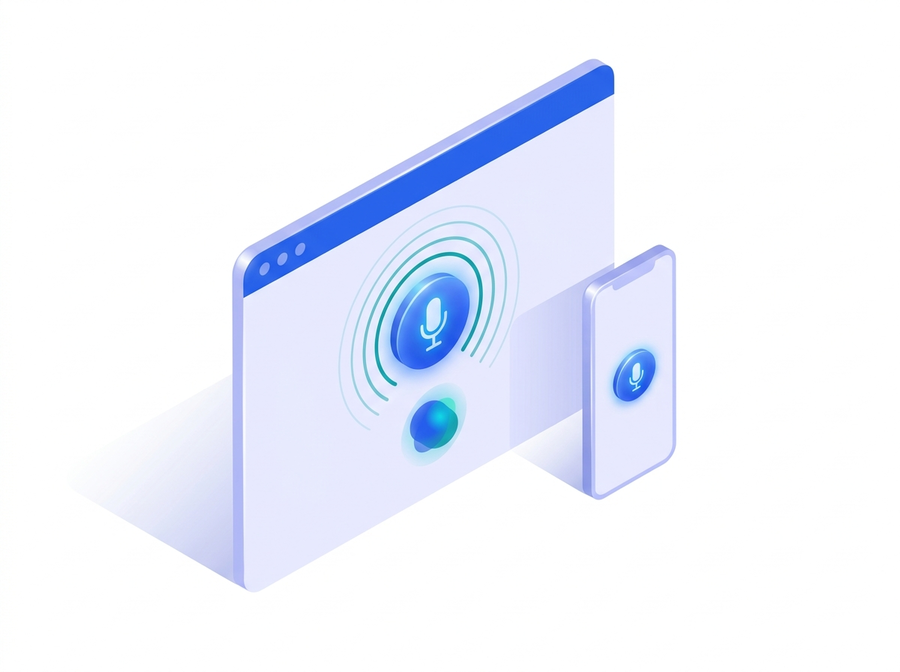
Drop one line of embed.js into your website or online store, and visitors start a voice consultation with a mic button. The AI handles guidance, answers inquiries, navigates pages, and fills out application forms — and connects visitors to a live agent by phone when needed.

One-line script installVoice & chat in oneOn-premises Brain
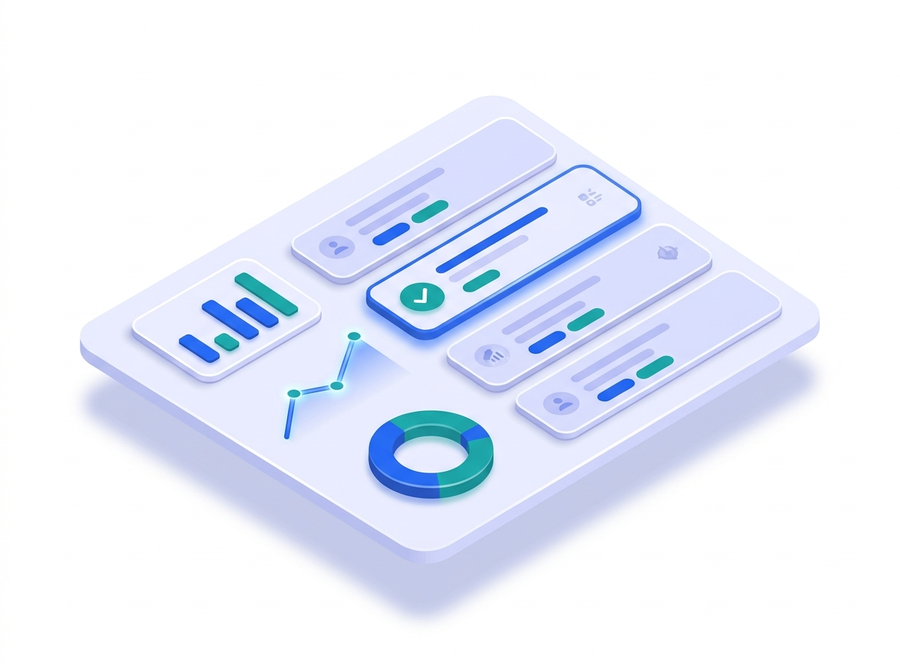
cxVisor product screen
OVERVIEW

cxVisor is a web consultation platform that puts a human-like AI agent on your corporate website, online store, or service site. Visitors start a voice consultation with a single mic button, and the AI takes care of guidance, inquiries, page navigation, and even application forms. Where voice isn't practical, a chatbot responds with the same knowledge — and at the moment it matters, the AI hands off naturally to a live agent by phone.

Request a demo
WHO IT'S FOR

Who it's for

Teams that want to automate website inquiries

When you want AI to handle visitor inquiries, guidance, and bookings by voice and chat, 24/7.

Teams that can't afford to lose conversions

When you want the AI to guide visitors to the application page like a sales agent — and fill in the form for them — to cut drop-off.

Organizations that can't send customer audio off-site

When you need on-premises Brain to run STT, LLM, and TTS in-house and keep data sovereignty.

KEY FEATURES

What makes it different

Not just another Q&A chatbot or call bot. Six ways cxVisor answers like a human and drives your site.

Click a card to see the details.

01

Answers like an agent, drives the site · Site Control

Talks like a human, guides visitors to the right page, and even fills out application forms for them.

Answers like an agent, drives the site · Site Control
See details
Answers like an agent, drives the site · Site Control
  • Natural speech Understands the conversation context and responds as naturally as a human, within its permitted scope.
  • Guided page navigation "Shall I take you to the sign-up page?" — after the visitor confirms, the AI navigates there directly.
  • Form filling On an application form, it asks "May I have your name?" by voice and fills the form fields directly.
  • Safe control (allowlist) Navigation and input targets are limited to the tenant-registered allowlist — the AI can never touch arbitrary URLs or fields.
  • Conversation continues after navigation After moving to a new page, the same AI picks the conversation right back up: "Now, please tell me your contact number."
02

The conversation survives page navigation

Move between pages and the same AI keeps the conversation going, context intact.

The conversation survives page navigation
See details
The conversation survives page navigation
  • Same-session rejoin After navigation, the new page automatically reconnects to the existing session (LiveKit room) — the same AI keeps responding with full context (about a 1-second gap). If it was mid-sentence, it finishes the interrupted sentence.
  • Short-term conversation memory If rejoining takes too long (over 25 seconds by default), a new session picks up the previous conversation via visitor-ID short-term memory (30-minute TTL) and resumes without re-greeting.
  • Flawless audio transitions Even the 'pop' click at navigation or hang-up is removed through fades and controlled teardown ordering.
03

Broadcast-grade voice UX engineering

Echo, noise, and pop removal, plus barge-in and Korean turn detection — as natural as a person.

Broadcast-grade voice UX engineering
See details
Broadcast-grade voice UX engineering
  • Echo guard Uses text similarity to block the AI's own voice from looping speaker-to-mic and being re-transcribed.
  • Noise gate Removes turn-transition pulse 'ticks' with an AudioWorklet while preserving 100% of speech.
  • End-of-utterance pop removal Detects and removes isolated noise bursts at the end of long syntheses by their signal signature.
  • Seamless navigation Applies a field-verified recipe: fade (60 ms) → close connection → teardown margin → navigate.
  • Barge-in If the user talks over the AI, it stops instantly — false triggers from noise or echo are prevented by a transcription confirmation gate.
  • Korean turn detection Korean-specific end-of-utterance tuning recognizes casual, colloquial endings, so the AI responds immediately even to informal speech.
04

Fast — the war on conversational latency

Preemptive generation, streaming, and caching deliver first audio about a second after speech ends.

Fast — the war on conversational latency
See details
Fast — the war on conversational latency
  • Preemptive generation Runs LLM and TTS early on interim transcripts before the user finishes speaking (while awaiting endpoint confirmation) — generation overlaps the wait and disappears.
  • Phrase-level TTS streaming Splits long responses at clause boundaries and starts playback the moment the first phrase is synthesized.
  • Two-tier TTS cache Memory + disk caching plays recurring phrases like greetings and standard prompts instantly, with no re-synthesis.
  • Fast startup too Pre-acquires the microphone on click and loads tokens and the SDK in parallel.
  • Built-in turn latency metrics Logs per-turn latency across endpointing, STT, LLM, and TTS for continuous tuning.
05

Own your AI infrastructure · on-premises Brain engine

Run STT, LLM, and TTS on your own GPUs — data sovereignty and predictable costs.

Own your AI infrastructure · on-premises Brain engine

See details
Own your AI infrastructure · on-premises Brain engine
  • Data sovereignty Runs the full STT–LLM–TTS stack on your own GPU servers — customer voice and conversations never leave for external AI providers.
  • Predictable costs Operates on a cost structure with no token-based billing.
  • Korean-optimized models Built with Korean STT, Korean TTS voices, and Korean-tuned prompts.
  • Engine mixing Mix with the OpenAI engine per tenant or per page when needed (e.g., OpenAI for English pages only).
06

Human collaboration is built into the design

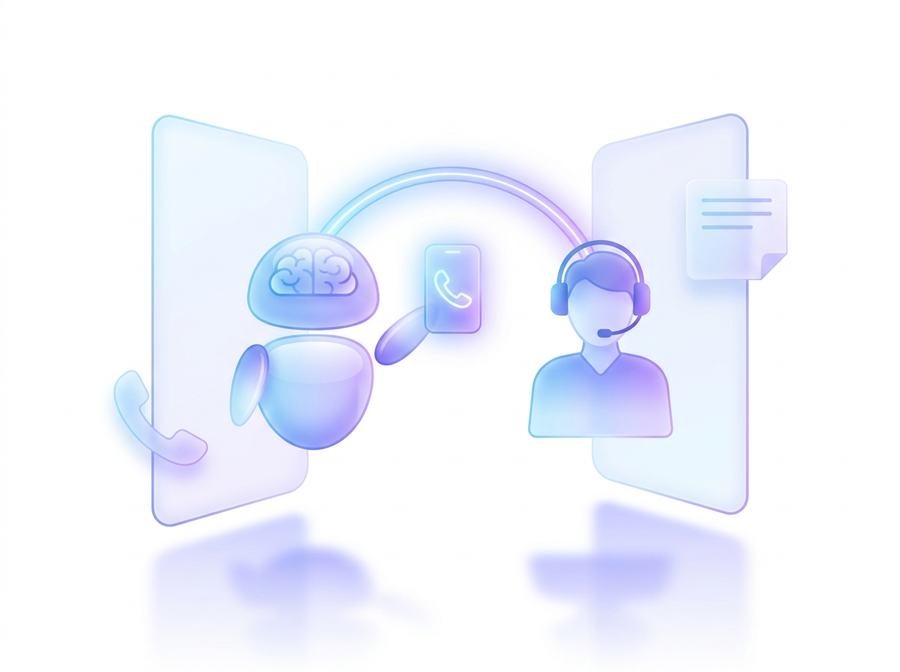
Agent phone transfer, click-to-call, and callbacks — human handoff is part of the design.

Human collaboration is built into the design
See details
Human collaboration is built into the design
  • Agent phone transfer "Please connect me to an agent" — the AI calls a registered agent and connects the visitor directly (AI exits; browser-to-phone direct call). Routing by role (sales, technical, regional).
  • Click-to-call Click the main number in chat to call right from the browser (tel: dialing on mobile).
  • Business-hours awareness Outside business hours, it automatically switches from dialing to taking a callback (call request).
  • Callback & note intake Collects name, contact, and inquiry, stores them, and delivers them in real time via the admin console and webhooks.
PRODUCT TOUR

See it in action

Here's how cxVisor, attached to your website, consults with visitors.

LIVE

The consultation widget on your site

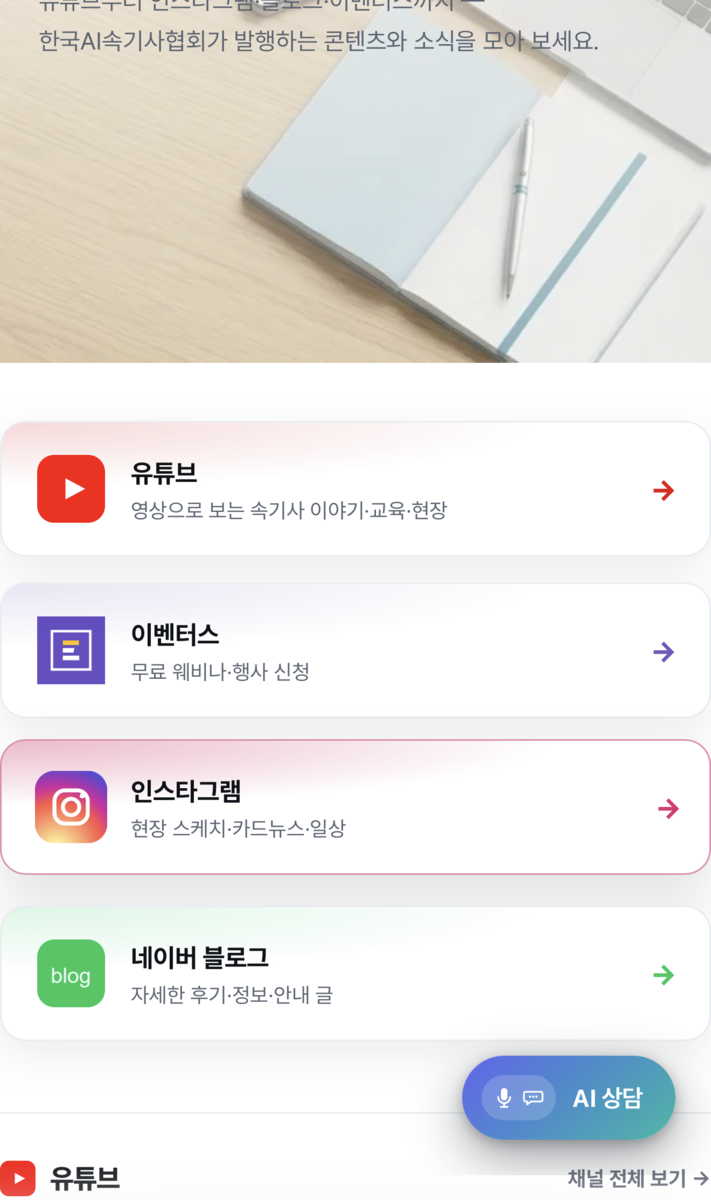
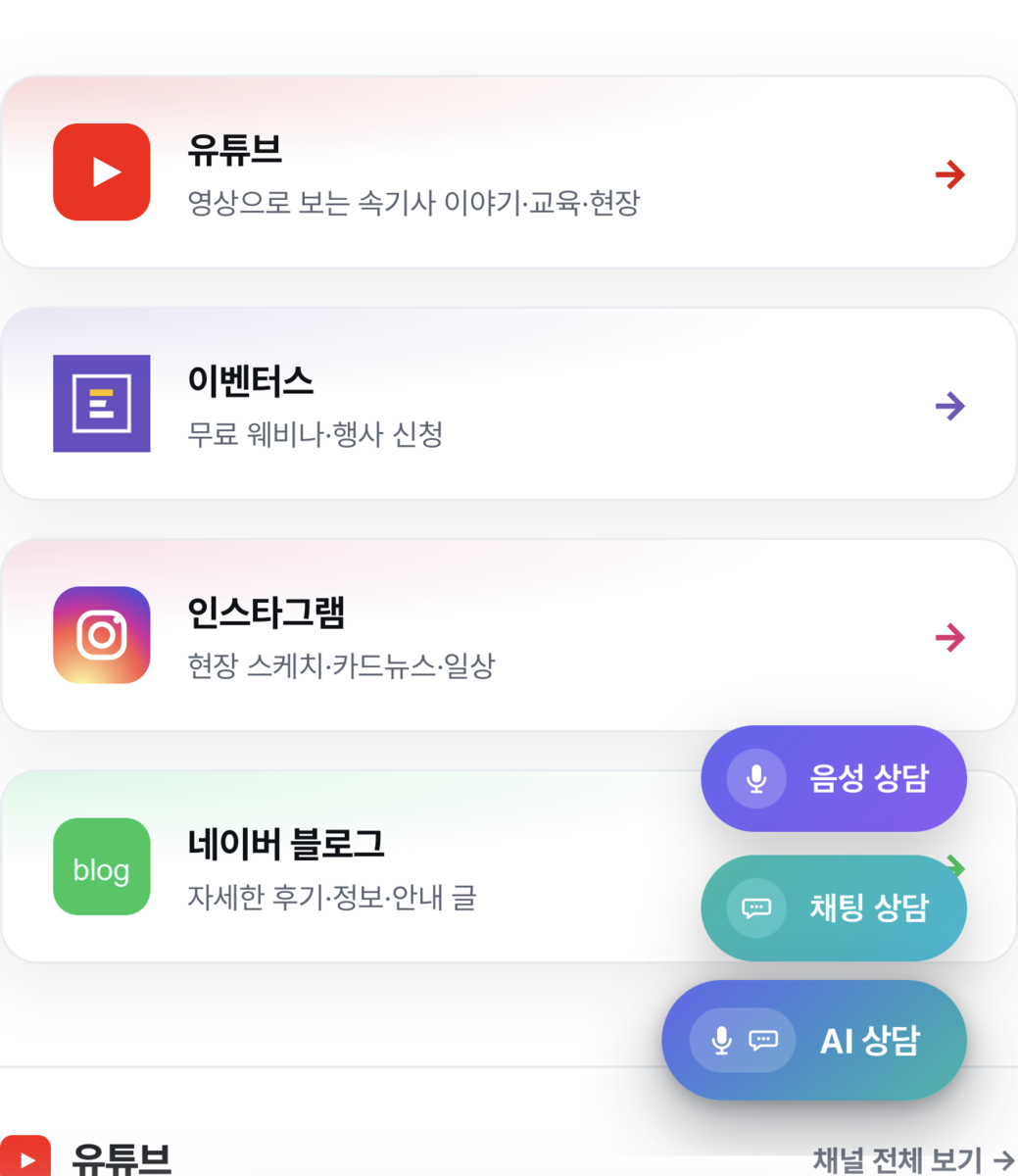
It sits in the bottom-right corner as a single 'AI consultation' button — press it, and it expands into voice, chat, and AI consultation. Visitors start whichever way they prefer.

The consultation widget on your siteThe consultation widget on your site
LIVE

Consultations that flow from voice to chat to phone

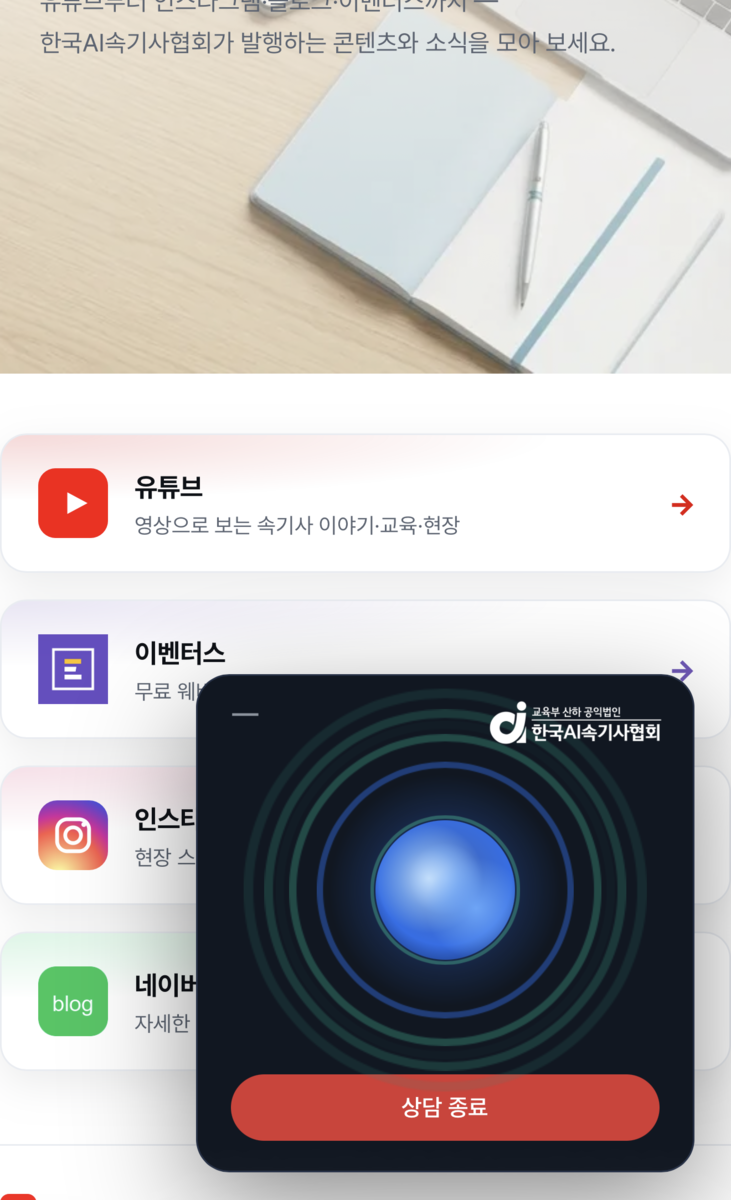
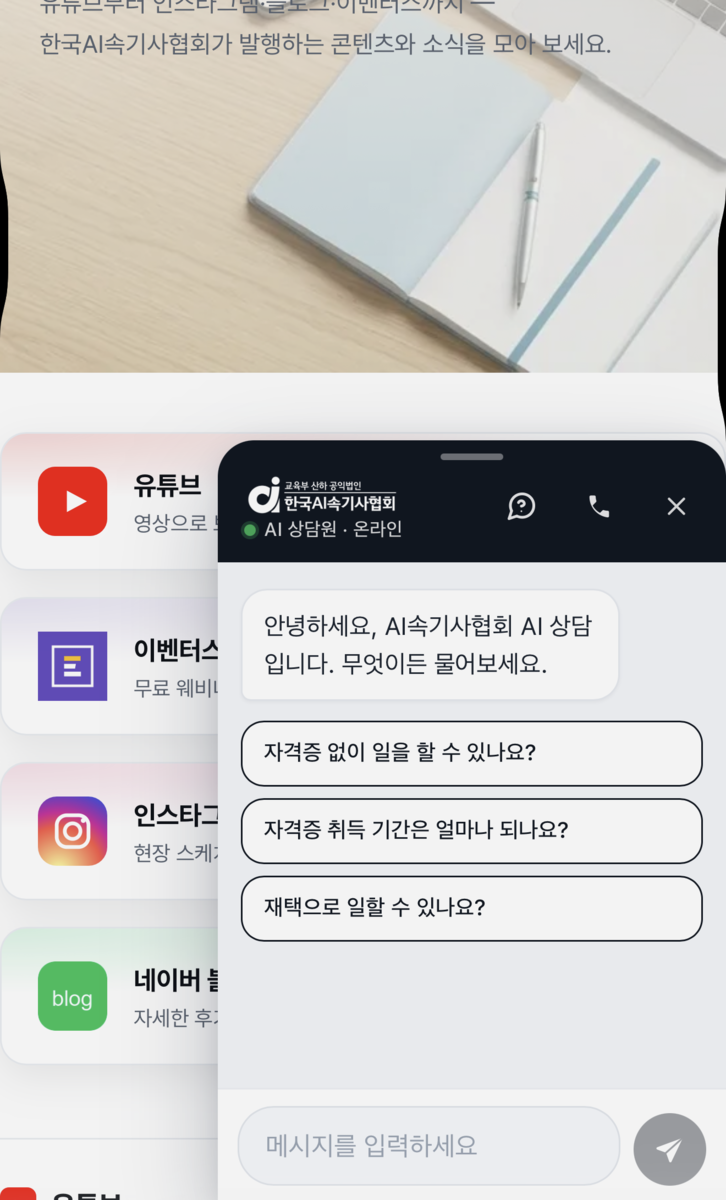
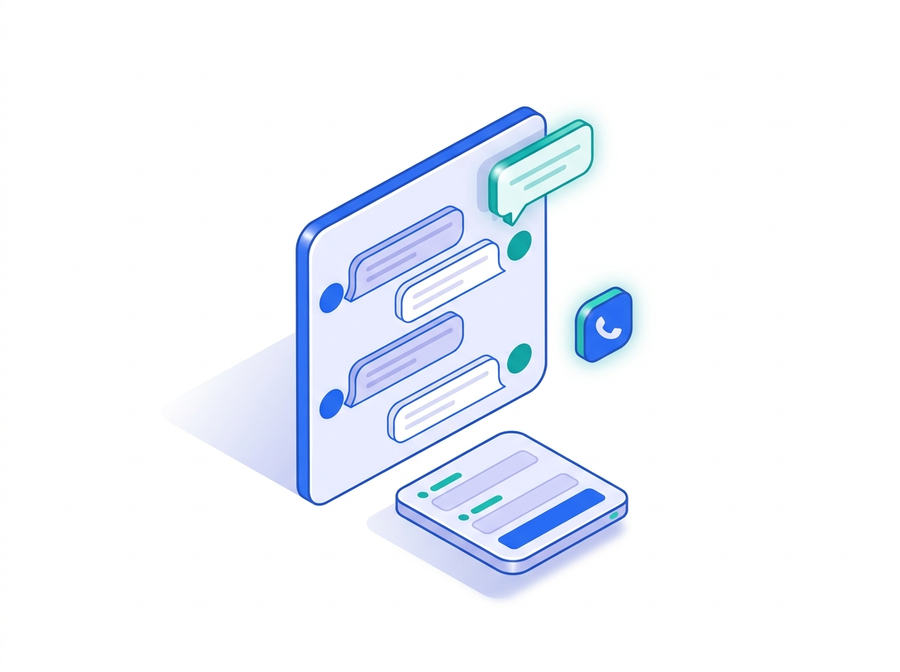
Visitors start a voice consultation without ever leaving your site, and where voice isn't practical, the chatbot responds with the same knowledge. Suggested questions make asking fast, and when needed, visitors connect straight to your main line (click-to-call) — or leave a callback (call request) outside business hours.

Voice consultation right on the web
Chat responses · suggested questions · click-to-call
Phone transfer · callback intake
SUPPORTED FEATURES

Supported features in detail

From voice and chat consultation to persona and knowledge, conversation records and analytics, integrations, and security and reliability — everything cxVisor provides.

Click a card to see the details.

01

Web voice consultation (voice bot)

One-click voice consultation — continuous conversation, site control, phone transfer, and mobile.

Web voice consultation (voice bot)
See details
Web voice consultation (voice bot)
  • One-click voice consultation start (first greeting within seconds; faster on return visits)
  • Natural conversation — barge-in, plus meaning-based turn detection that waits patiently through halting speech
  • Continuous conversation across page navigation (same-session rejoin + short-term memory fallback)
  • Site control — guided page navigation and form filling (allowlist-based)
  • Agent phone transfer, callback intake outside business hours
  • Mobile support (audio paths separately optimized for iOS/Android)
  • Auto-end on silence, maximum call duration limit, automatic reconnection when returning from background
02

Web chatbot

Text consultation on the same knowledge — proactive prompts, click-to-call, and a callback form.

Web chatbot
See details
Web chatbot
  • Text consultation with the same persona and knowledge (SSE streaming responses)
  • Page-aware proactive prompts, main-number click-to-call button, callback form
  • Unified hub UI for the voice and chat widgets (both channels behind one button)
03

AI persona & knowledge

Agent persona and knowledge registration, page awareness, and engine routing.

AI persona & knowledge
See details
AI persona & knowledge
  • Per-tenant agent name, company, speaking style, and greeting (including widget title and logo branding)
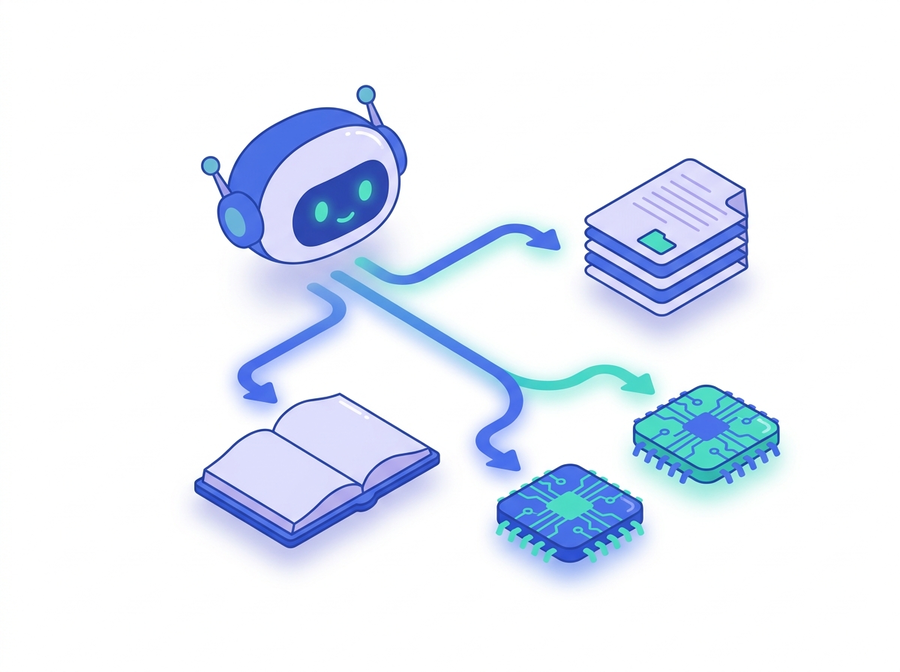
  • Register knowledge → used as grounding for answers
  • Automatic page context awareness — responses tailored to the page the visitor is viewing
  • Engine routing — default engine plus per-page exceptions (e.g., Brain for /vip, OpenAI for the rest)
04

Conversation records & analytics (admin console)

Full transcripts, LLM summaries and tags, digests, and statistics in the admin console.

Conversation records & analytics (admin console)
See details
Conversation records & analytics (admin console)
  • Automatic full transcripts of every voice and chat conversation (PII masking)
  • LLM auto-summary & tags At call end (voice) or when a chat settles, generates a summary title, keywords, intent, sentiment, resolution status, and agent-transfer status
  • Period digests — an LLM roll-up report of "what customers asked today / this week"
  • Breakdown statistics — top intents, top keywords, resolution rate, transfer rate, average turns, busiest hours
  • Usage aggregation — call count, talk time, chat request count (by period)
05

Integrations (developers)

Connect your own systems via REST API, webhooks, and a public stats API.

Integrations (developers)
See details
Integrations (developers)
  • REST API (/api/v1, secret key) conversation lists, transcripts, summaries, period digests, statistics
  • Webhooks callback.created (the moment a callback is filed), conversation.ended (when a consultation ends)
  • Public stats API for displays like an "N consultations handled" badge on your own site
  • Cursor pagination, timezone support, channel filters
06

Security & reliability

Tenant isolation, PII masking, allowlists, and per-call process isolation.

Security & reliability
See details
Security & reliability
  • Tenant isolation (dual key + Origin verification, scoped data separation)
  • Rate limiting (token issuance, chat, stats), login lockout (brute-force defense)
  • PII masking on conversation records, arbitrary outbound dialing blocked (registered numbers only)
  • Site-control allowlist — the tenant defines the AI's range of action
  • Automatic handling of unstable networks — connection-quality detection → TURN relay switchover (optional), reconnection on return from background
  • Per-call process isolation — a failure in one call never affects another
ADMIN CONSOLE

Settings & analytics console

Behind the widget, configure agent transfer and business hours, and manage conversation summaries and usage at a glance.

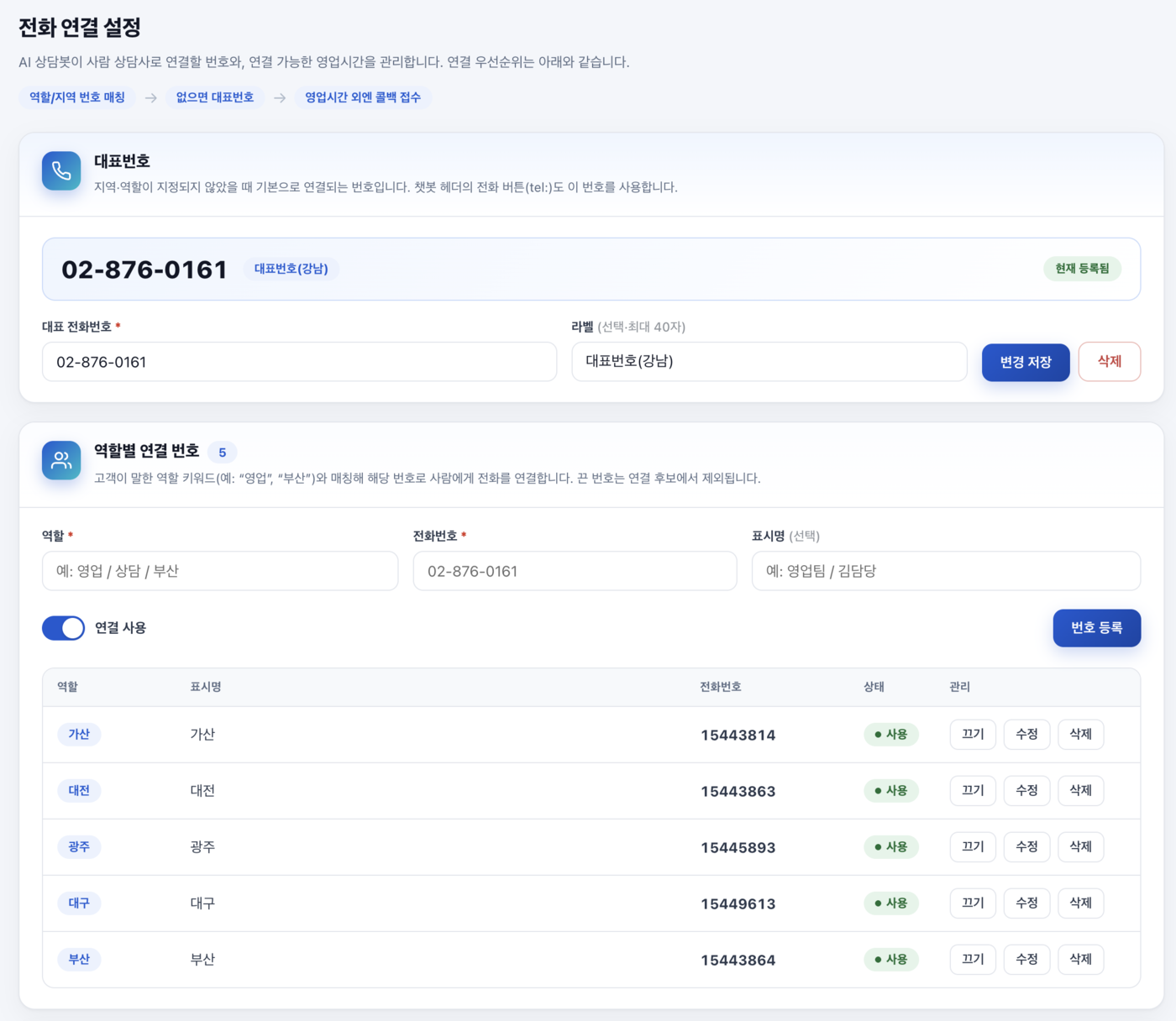
Phone transfer settings
Phone transfer settingsRoute to human agents via a main number and per-role transfer numbers.
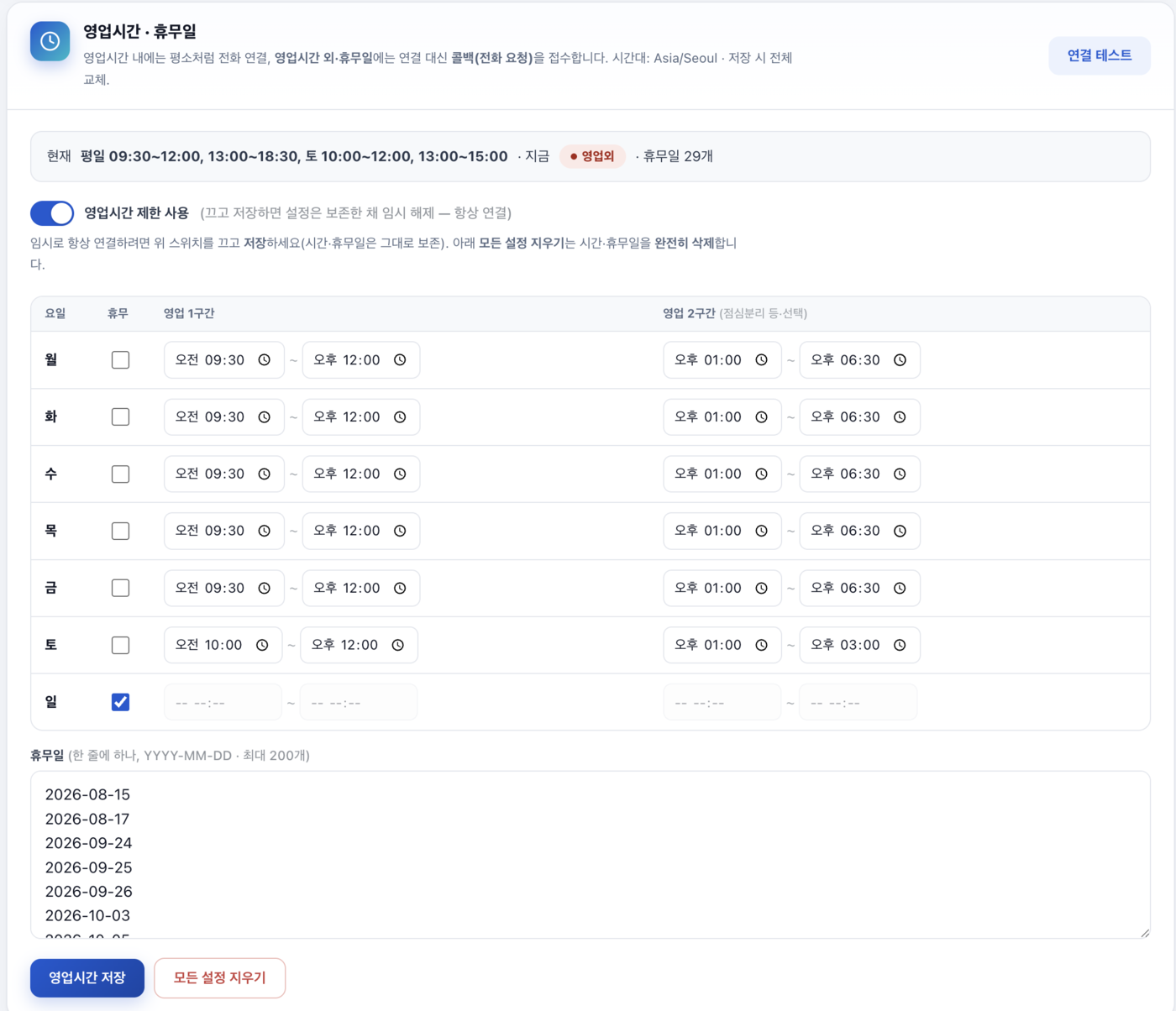
Business hours & holidays
Business hours & holidaysOutside hours and on holidays, callbacks (call requests) are taken automatically instead of dialing.
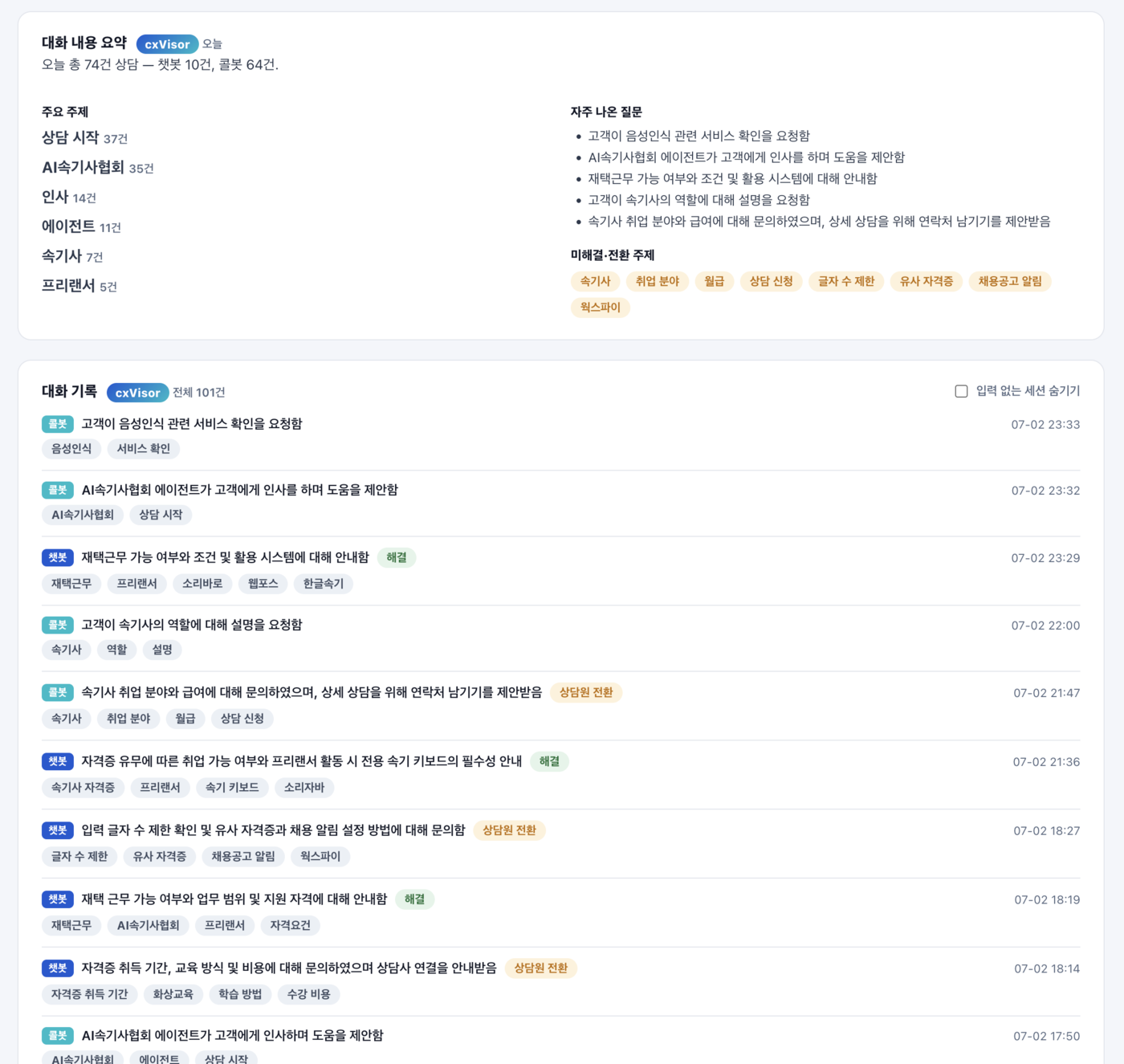
Conversation summaries & records
Conversation summaries & recordsThe LLM summarizes topic, intent, and resolution/transfer status, with full conversations recorded and searchable.
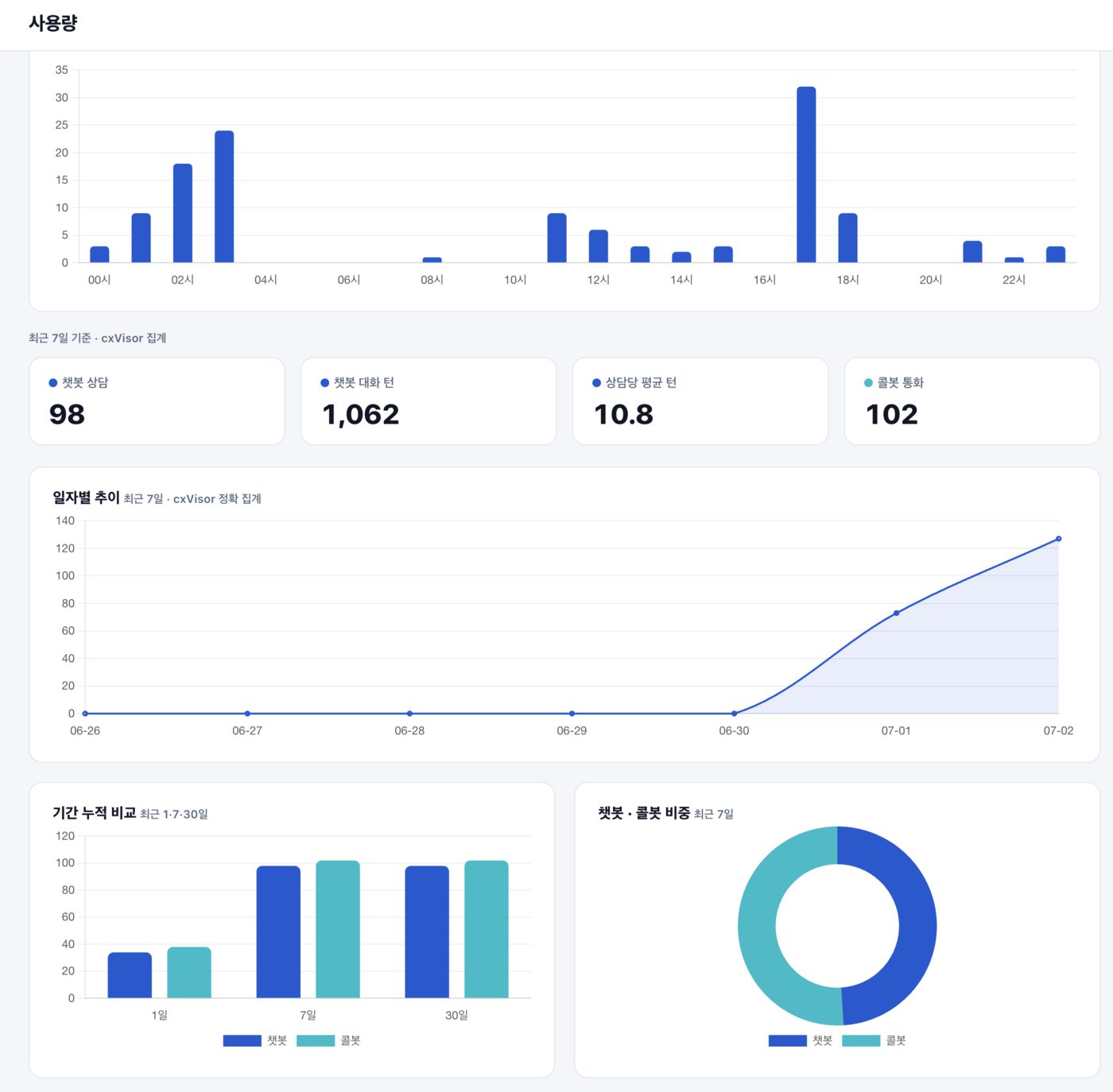
Usage analytics
Usage analyticsSee hourly and daily trends and the chatbot-to-call-bot mix at a glance.
HOW IT WORKS

How it works

From install to action in three steps

1

① Install one line of script

Drop in embed.js and a voice & chat consultation widget appears in the bottom-right corner. Set colors, agent name, and greeting in the console.

2

② A visitor speaks

Voice comes in over WebRTC, Korean STT and turn detection understand it, and preemptive generation hides the wait.

3

③ The AI responds and acts

It answers from its persona and knowledge, and carries out page navigation, form filling, and agent phone transfer.

SPECIFICATION

Key specifications

DeploymentOne line of embed.js — widget and connection logic auto-generated (Shadow DOM isolation, no conflicts with your existing site)
ChannelsWeb voice consultation (WebRTC) · web chatbot · click-to-call (direct to main line) · agent phone transfer
Response speedEnd of speech → first audio in about a second (preemptive generation + phrase-level TTS streaming)
AI enginesIn-house Brain (on-premises GPU: full STT·LLM·TTS stack) or OpenAI — selectable per tenant and per page
Site controlAllowlist-based page navigation and form filling — the tenant defines the AI's range of action
Records & analyticsAutomatic full transcripts (PII masking) · LLM summaries, tags, intent, sentiment · period digests and statistics
IntegrationsREST API (sk_) · webhooks (callback.created, conversation.ended) · public stats API
SecurityTenant isolation (key + Origin) · rate limiting · registered-number-only dialing · per-call process isolation
CASE STUDIES

Deployments

Voice technology like cxVisor's, proven in the field

View all case studies
GET STARTED

How to get started

One line of script and you're done — everything else is configured in the console.

<!-- One line just before </body> -->
<script src="https://{service-domain}/embed.js" data-key="pk_your-key"></script>
1

Create a tenant in the console → get a public key (pk_) and register allowed domains

2

Enter the persona (agent name, greeting, speaking style) and knowledge

3

(Optional) Configure site-control paths and forms, phone directory, business hours, and webhooks

4

Insert the one-line script — done. Change widget color, position, title, and logo in the console

FAQ

Frequently asked questions

Is it really a one-line install?
Yes. Add one line of embed.js just before and a voice & chat consultation widget appears in the bottom-right corner automatically. Widget color, position, agent name, and greeting are changed in the console. There's no build or server work, and Shadow DOM isolation means no conflicts with your site's existing CSS or JS.
What does it mean that the AI operates the site directly?
It guides and navigates visitors to the right page, and takes application forms by voice and fills them in directly. Navigation and input targets are limited to the tenant-registered allowlist, so the AI can never touch arbitrary URLs or fields.
Doesn't the conversation drop when the page changes?
After navigation, the new page automatically reconnects to the existing session and the same AI continues with context intact (about a 1-second gap). Even if reconnection is delayed, visitor short-term memory (30 minutes) resumes the conversation without re-greeting.
How fast are responses?
About a second from end of speech to first audio. Preemptive generation starts building the response before the user finishes speaking, and streaming splits long answers into phrases so the first one plays the moment it's synthesized — cutting the wait.
Does customer voice data leave our premises?
With the on-premises Brain engine, STT, LLM, and TTS all run on your own GPUs, so voice and conversations are never sent to external AI providers. There's no token-based billing, so costs stay predictable. If needed, you can mix in the OpenAI engine per page.
Can it do chat instead of voice? What about connecting to a human?
Yes. A chatbot handles text consultations with the same persona and knowledge, and one button offers both voice and chat. When a visitor asks for an agent, the AI calls a registered agent and connects them directly; outside business hours it automatically takes a callback (call request) instead.
Can we review and integrate conversation data later?
Yes. Every voice and chat conversation is automatically recorded in full (PII masked), and the LLM attaches a summary, keywords, intent, sentiment, and resolution status. View period digests and statistics in the admin console, and integrate with your own systems via the REST API and webhooks.
How is this different from Keystone?
cxVisor is a web voice & chat consultation platform you attach directly to a website (SMB to general use); Keystone is an enterprise AICC for large contact centers in finance, the public sector, and beyond. For web visitor consultation, we recommend cxVisor; for a large telephone contact center, Keystone.
How do I ask about pricing and deployment?
Pricing and lead time depend on channel scale, engine (on-premises/cloud), and integration scope. Contact sales@timbel.net or +82-2-584-8181 and we'll consult and quote for your environment.
RELATED

Related products

Get started with cxVisor

From first consultation to custom deployment, Timbel is with you.